
Blog
Free Google Brand Safety Tool

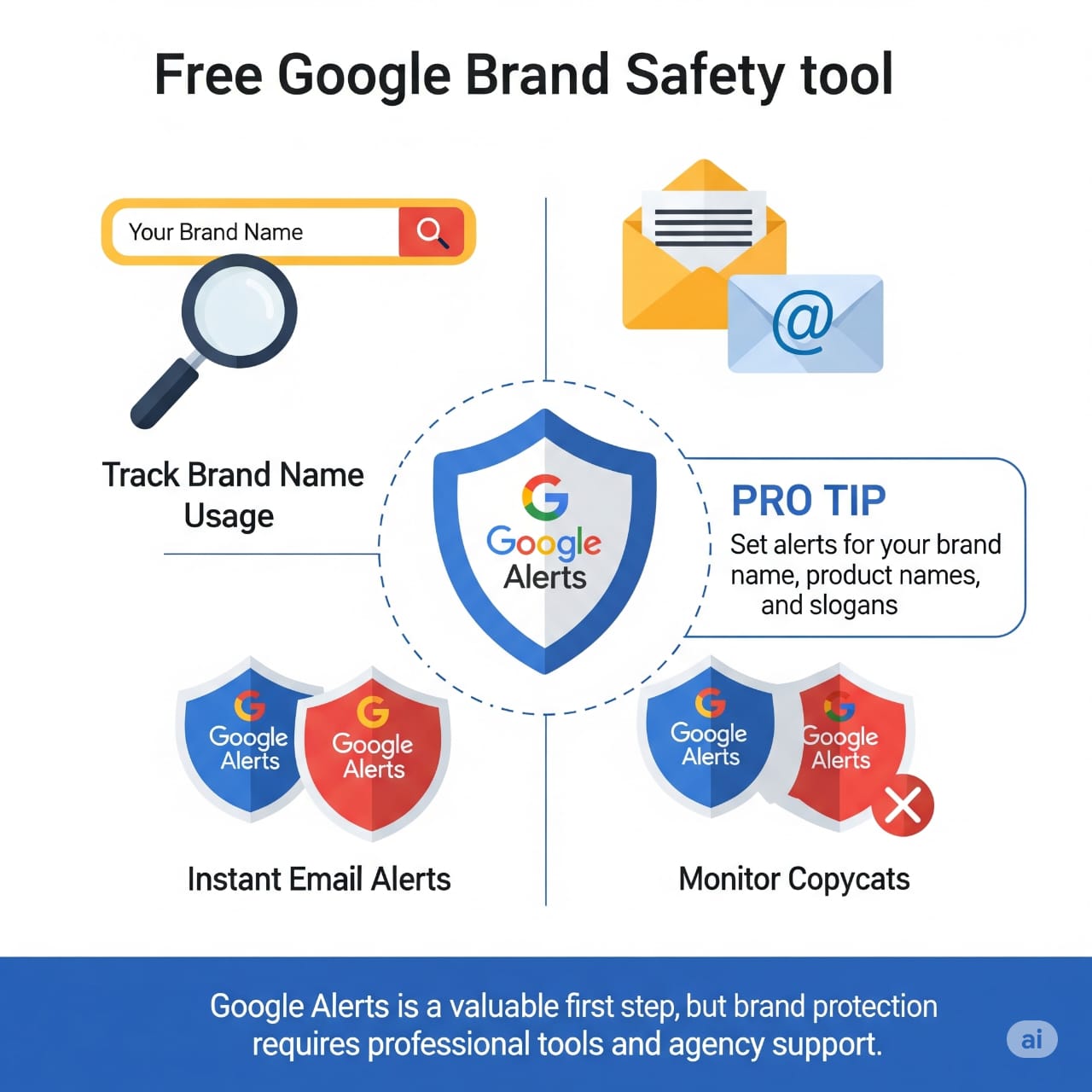

Free Google Brand Safety Tool
Free Google Brand Safety Tool: The Ultimate Guide to Protecting Your Brand in 2025
In today’s digital world, brand safety isn’t just a buzzword—it’s a necessity for every business owner. But did you know Google offers a free, powerful tool to help monitor your brand’s reputation 24/7? Enter: Google Alerts—your digital watchdog!
What Is the Free Google Brand Safety Tool?
The term “Google Brand Safety Tool” refers to leveraging Google Alerts in a smart, systematic way to safeguard your brand online. Here’s what it can do for you:
Main Benefits
- Real-time brand monitoring
- Instant email notifications
- Tracking competitors and copycats
- Protecting your brand reputation
- Discovering copyright and trademark misuse
Why Is Brand Safety Important?
1. Guard Your Reputation:
Know what’s being said about your brand across the internet.
2. Detect Copyright Infringement:
Find out if someone is misusing your content, images, or products.
3. Competitive Intelligence:
Keep an eye on what your competitors are up to.
Step-by-Step: How to Set Up Google Alerts
Step 1: Create Your First Alert
- Visit Google Alerts.
- Enter your brand name in the search box.
- Click “Create Alert.”
Step 2: Use Advanced Settings
- Frequency: As-it-happens
- Sources: Automatic
- Language: English (and Urdu, if needed)
- Region: Your target market
- How many: All results
Step 3: Don’t Settle for Just One Alert
Pro Tip: Create multiple alerts using variations and combinations:
- Brand name + “review”
- Brand name + “complaint”
- Brand name + “fake”
- Your product names, company slogans, and CEO name
Advanced Brand Safety Strategies
Keyword Variations:
If your brand is “TechSolutions,” set alerts for:
- Tech Solutions
- Techsolutions
- Tech-Solutions
- Your brand’s spelling in Urdu (if applicable)
Negative Keyword Monitoring:
Set up alerts with combinations like:
- Brand name + scam
- Brand name + fraud
- Brand name + fake
- Brand name + complaint
Visual Content Protection:
Regularly use Google Reverse Image Search to see if your images are being misused.
Managing Alert Emails
Organize Smartly:
- Create a dedicated folder in your Gmail for alerts.
- Set priority levels for different alerts.
- Enable mobile notifications for high-priority alerts.
Real-World Examples
Case Study: Restaurant
- Alerts: “ABC Restaurant reviews,” “ABC Restaurant food quality,” “ABC Restaurant Karachi”
- Result: 85% improved response time to customer complaints!
Case Study: E-commerce Store
- Alerts: “XYZ Store fake products,” “XYZ Store customer service,” “Brand name + shipping issues”
- Result: Detected three fake sellers within a week!
Beyond Google Alerts: Pro Protection Tools
While Google Alerts is a great start, consider upgrading to professional brand protection tools for more robust features:
- Brand24
- Hootsuite Insights
- Mention.com
- Brandwatch
Common Mistakes to Avoid
Don’t:
- Only set alerts on your brand name
- Ignore alert emails
- Forget to update alert keywords
Do:
- Use multiple keyword variations
- Monitor your alerts regularly
- Take fast action if a threat is detected
Using Mobile Apps
You can also manage and monitor Google Alerts via Google’s mobile app for even faster, on-the-go notifications.
Measuring ROI
Evaluate your brand safety strategies by tracking:
- Improved response times
- Higher customer satisfaction
- Prevention of PR crises
- Better competitor intelligence
Legal Protection Tips
If you spot misuse:
- Take a screenshot for evidence
- Send a legal notice
- Report to relevant platforms
- Consult a legal expert
Looking Ahead: The Future of Brand Safety
AI and machine learning are enhancing brand safety by automating:
- Sentiment analysis
- Image and voice recognition
- Video content tracking
Conclusion
Google Alerts is the perfect first step toward professional brand protection—it’s free, easy, and extremely effective.
Key Takeaways
- Set up Google Alerts now
- Use multiple keyword combinations
- Monitor results regularly
- Take immediate action on issues
- Consider professional tools for enhanced protection
Start today and keep your brand safe from digital threats!