
Blog
How to Spot a Fake Website in 30 Seconds

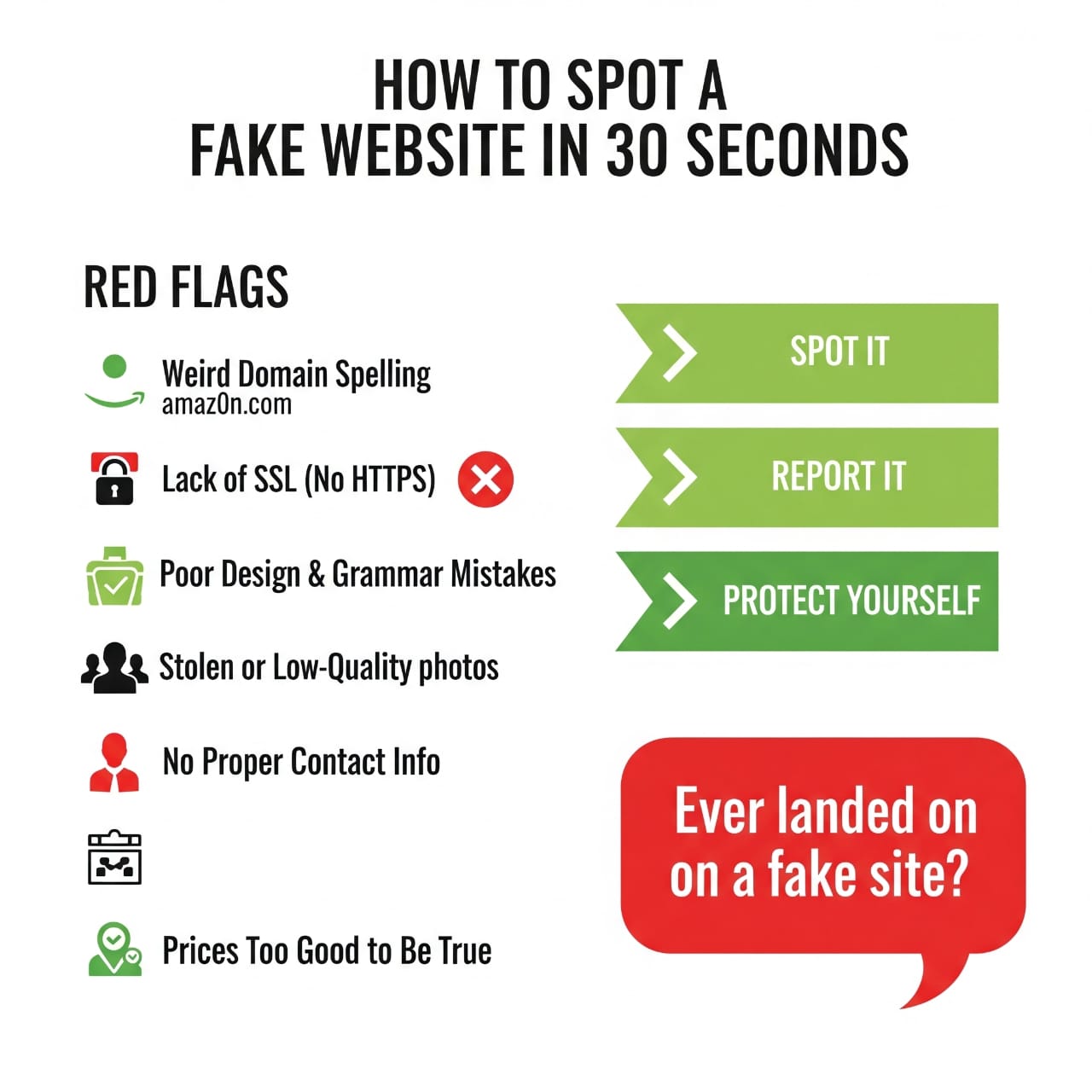
How to Spot a Fake Website in 30 Seconds: Complete Guide
Introduction
In today’s digital age, the number of fake websites is growing rapidly. Cybercriminals constantly develop new tricks to deceive innocent users, but did you know you can spot a fake website in just 30 seconds?identityguard+1
In this article, I’ll detail the Red Flags that can keep you safe from fraudulent sites.
Key Red Flags of Fake Websites
1. Weird Domain Spelling
The easiest way to spot a fake website :chase+1
- Real: amazon.com
- Fake: amazOn.com (capital “O” or 0 instead of “o”)
- Fake: amaz0n.com (zero instead of “o”)
Tips:
- Examine the URL carefully
- Copy-paste it into a plain text editor for clarity
- Memorize the exact spelling of official websites
2. No SSL (No HTTPS)
Fake websites often lack an SSL certificate :bu+1
- ✅ Safe: https://website.com (green lock icon)
- ❌ Unsafe: http://website.com (no lock icon)
3. Poor Design & Grammar Mistakes
Generally, fake websites have :identityguard+1
- Frequent spelling mistakes
- Poor quality images
- Broken links
- Very unprofessional layout
4. Stolen or Low-Quality Photos
Signs :identityguard
- Pixelated images
- Misused stock photos
- Branding inconsistency
- Low-resolution product images
5. No Proper Contact Information
Legitimate websites always provide :chase
- Physical address
- Phone number
- Email support
- Customer service hours
6. Prices Too Good to Be True
Be suspicious if the deal seems too amazing:
- 90% off branded items
- Free expensive products
- Countdown timers on offers
Instant Check Tips
30-Second Checklist:
- Check URL spelling (5 sec)
- Look for HTTPS & lock icon (5 sec)
- Find contact info (10 sec)
- Scan for grammar mistakes (5 sec)
- Search for user reviews on Google (5 sec)
Safety Measures
Do’s:
- ✅ Buy only from official websites
- ✅ Read reviewsbluevoyant
- ✅ Check payment methods
- ✅ Check website historyidentityguard
Don’ts:
- ❌ Don’t give out personal info quickly
- ❌ Avoid clicking suspicious links
- ❌ Don’t trust links in unknown emails
What to Do If You Fall for a Fake Website
Immediate Actions:
- Inform your bank
- Change your passwordscybersteward
- Block your credit card
- Report to the police
- Report the site to Googledigicert
Modern Tools & Techniques
Useful Websites:
- Whois Lookup – Check domain ageidentityguard
- ScamAdviser – See website reputation
- Google Safe Browsing – Check site safetygetsafeonline
Summary
Staying safe from fake websites is more important than ever. In just 30 seconds, you can check these Red Flags and protect yourself:cybersteward
- Weird domain spelling
- No HTTPS
- Poor design & grammar
- Low-quality images
- Lack of contact info
- Prices too good to be true
Remember: “Prevention is better than cure!”
Your Feedback
Have you ever been scammed by a fake website? Share your experience in the comments and help others stay aware!
Tags: #CyberSecurity #FakeWebsites #OnlineSafety #DigitalSecurity #InternetSafety #WebsiteSecurity